Laser CNC course
Training and courses for
LASER cutting machines
Information about the laser machine
Learn the very first steps of laser cutting.
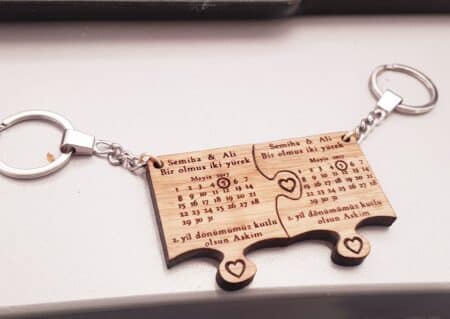
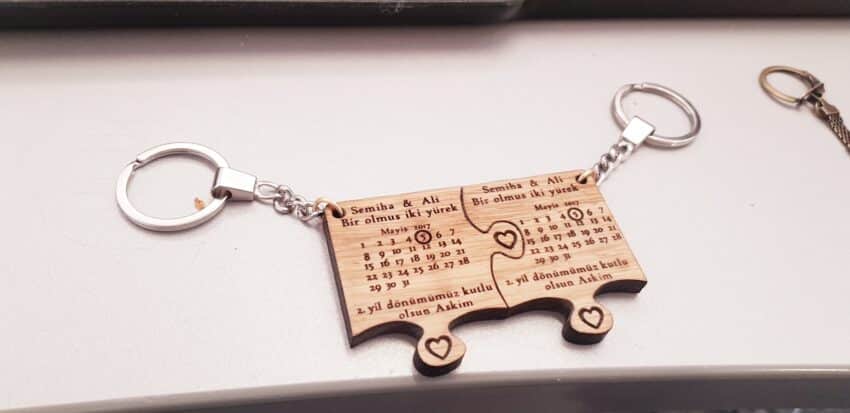
Laser cutting and engraving fascinate in every demonstration, and for good reason. In a few seconds, a sheet of acrylic becomes an illuminated sign. A piece of raw wood turns into a box engraved with a logo. A square of leather becomes a personalised key ring, with a level of detail impossible to achieve by hand. The precision of the laser is absolute, its speed unbeatable, and the variety of materials it can work with is astonishing.
But like any precision tool, the laser demands method. A poor combination of power and speed can char your piece, fail to cut all the way through, or produce a dull, uneven finish. Some materials must never go under a laser, and ignoring this rule can be dangerous. This training gives you the knowledge you need to work quickly, well and safely.
We start with laser safety: understanding laser classes, the risks to eyes and skin, the importance of ventilation, prohibited materials (PVC, chlorinated resins, certain composites) and the protective equipment required. This is not a formality: it is the foundation without which nothing else can be taught.
Complete training on the laser machine
The laser cutter is now accessible to everyone.
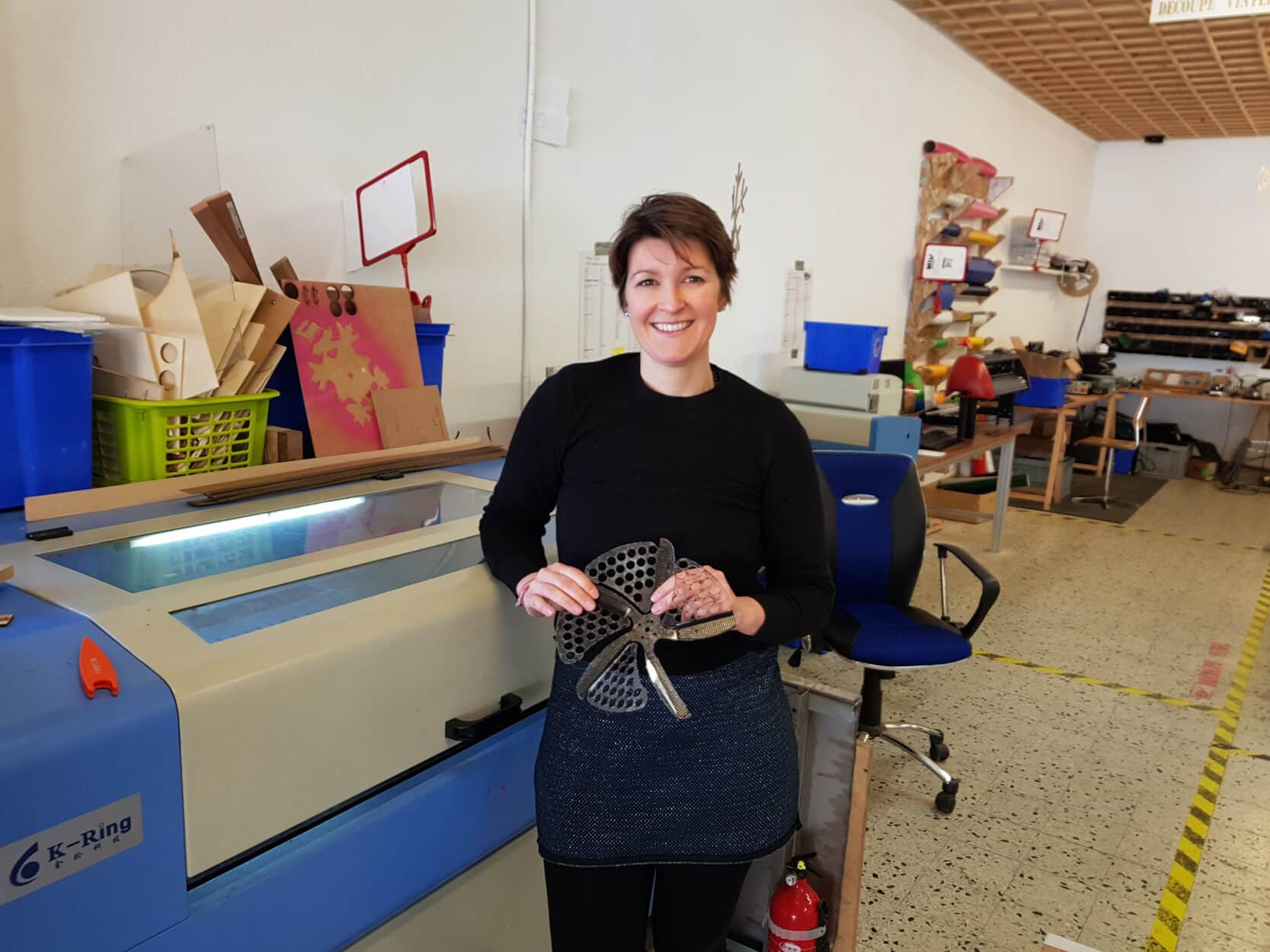
Next comes file preparation. The laser works from vector files for cutting (lines that the machine follows) and from bitmap files for engraving (images that the machine reproduces dot by dot). You will learn to prepare your files correctly in vector drawing software, to distinguish cutting outlines from engraving areas, and to organise your colours to control the order and speed of operations.
Setting the parameters is at the heart of the training. For each material, there is an optimal combination of power, speed and number of passes. You will learn to build your own library of tested and validated settings and, above all, to understand the logic behind these values so that you can adapt your settings to new materials on your own.
We work with wood, plywood, acrylic, leather, fabric and cardboard.
We also cover positioning the pieces on the bed, managing the focus, and techniques to minimise burn marks on certain sensitive materials, including the use of masking paper, working from the back, or adjusting the speed for a cleaner finish.
Photo engraving is a separate module: converting a photo into greyscale that the laser can read and optimising contrast and resolution for a sharp result on wood or slate is an art in itself. We show you the method step by step.
At the end of the training, you complete several projects on different materials, applying the appropriate settings each time. You leave with your creations and a reproducible method.
Learn how to use the laser cutting
machine
What you will learn:
- Laser safety: risks, protection, prohibited materials
- Preparing vector and bitmap files
- Setting power, speed and number of passes according to the material
- Cutting and engraving wood, acrylic, leather, fabric and cardboard
- Photo engraving on natural materials
- Routine machine maintenance (cleaning the optics, beam alignment)
Who is it for? Creatives, craftspeople, personalisation entrepreneurs, teachers, and anyone who wants to produce signage, personalised gifts or prototypes. No prerequisites.
Our CNC Laser cutter training
Our Laser cutting machine training
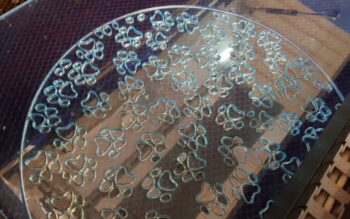
The aim of this course is to give you a solid introduction to laser cutting, using a real 200 to 300 W machine. You will explore concrete examples…
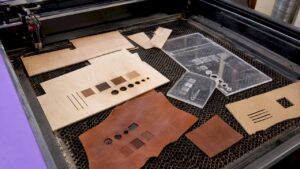
Now that you know how to use a laser and design 2D projects, what is the next step? This course focuses on the advanced use of laser cutting machines…

The laser engraving and cutting machine can be adapted to run on 4 axes. This course will teach you the basics of engraving on cylindrical objects…

This is the benchmark training in laser technology. You will complete three full modules that will enable you to master the laser cutting machine, giving you the ability to design complex 3D puzzles and engrave materials or shapes that are particularly difficult to work with.

You will learn to use Inkscape, a two-dimensional drawing program widely used for laser cutting. This course completes our laser cutting series…
Not convinced yet?
Discover these great ideas you can make with a laser cutting machine
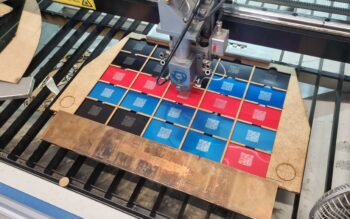
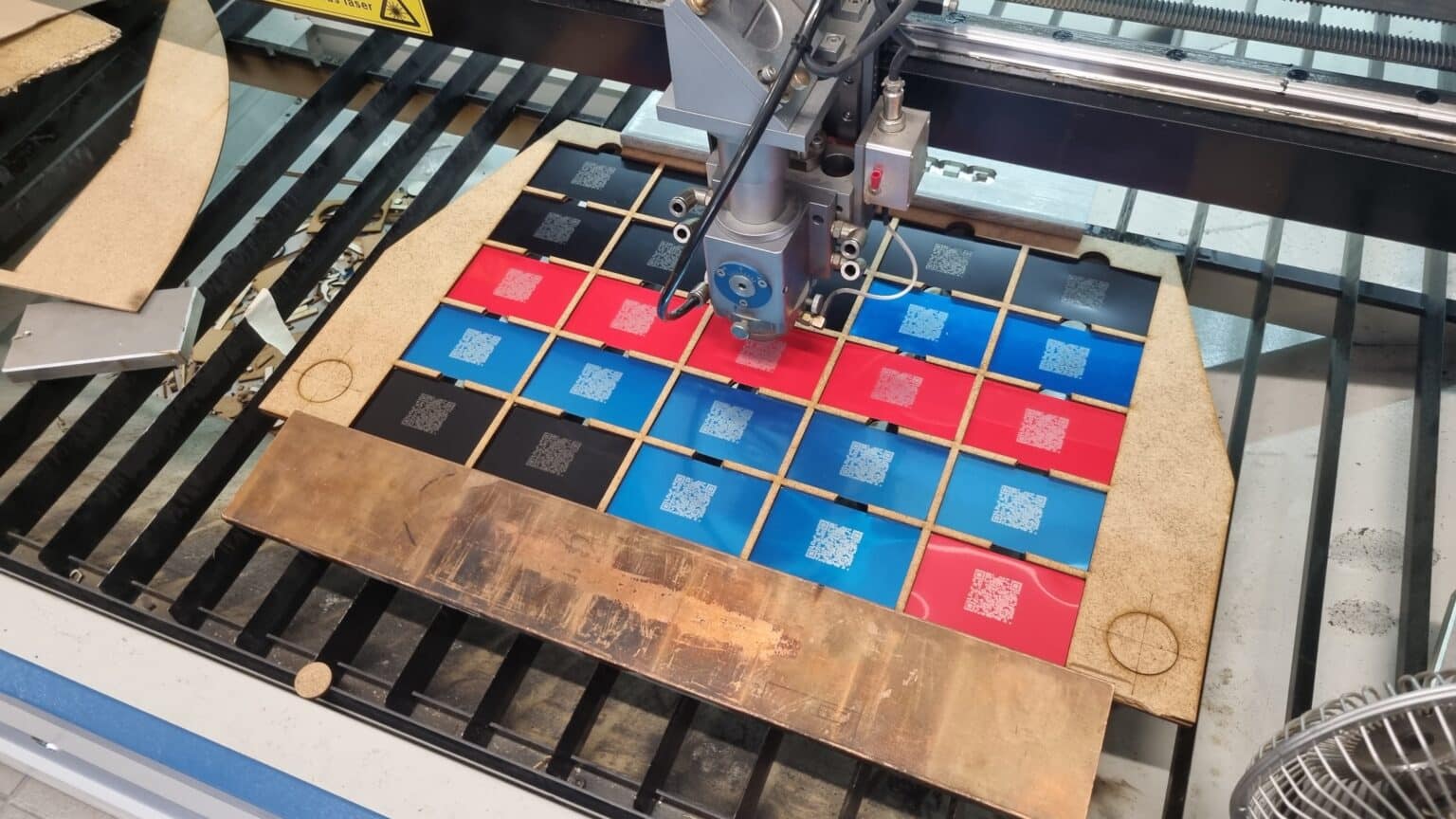
Engrave on metal cards
With your membership, you will have access to an impressive range of laser cutters and tools. Once your training is complete, come and explore the spaces we have opened to the public!
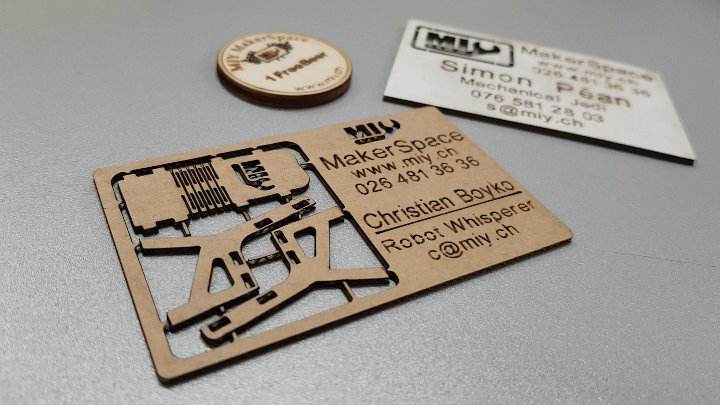
Your imagination is the only limit.
Master the laser cutting machine and let your imagination guide you. After the training, you will be able, for example, to make your own wooden business cards.
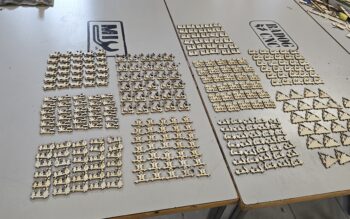
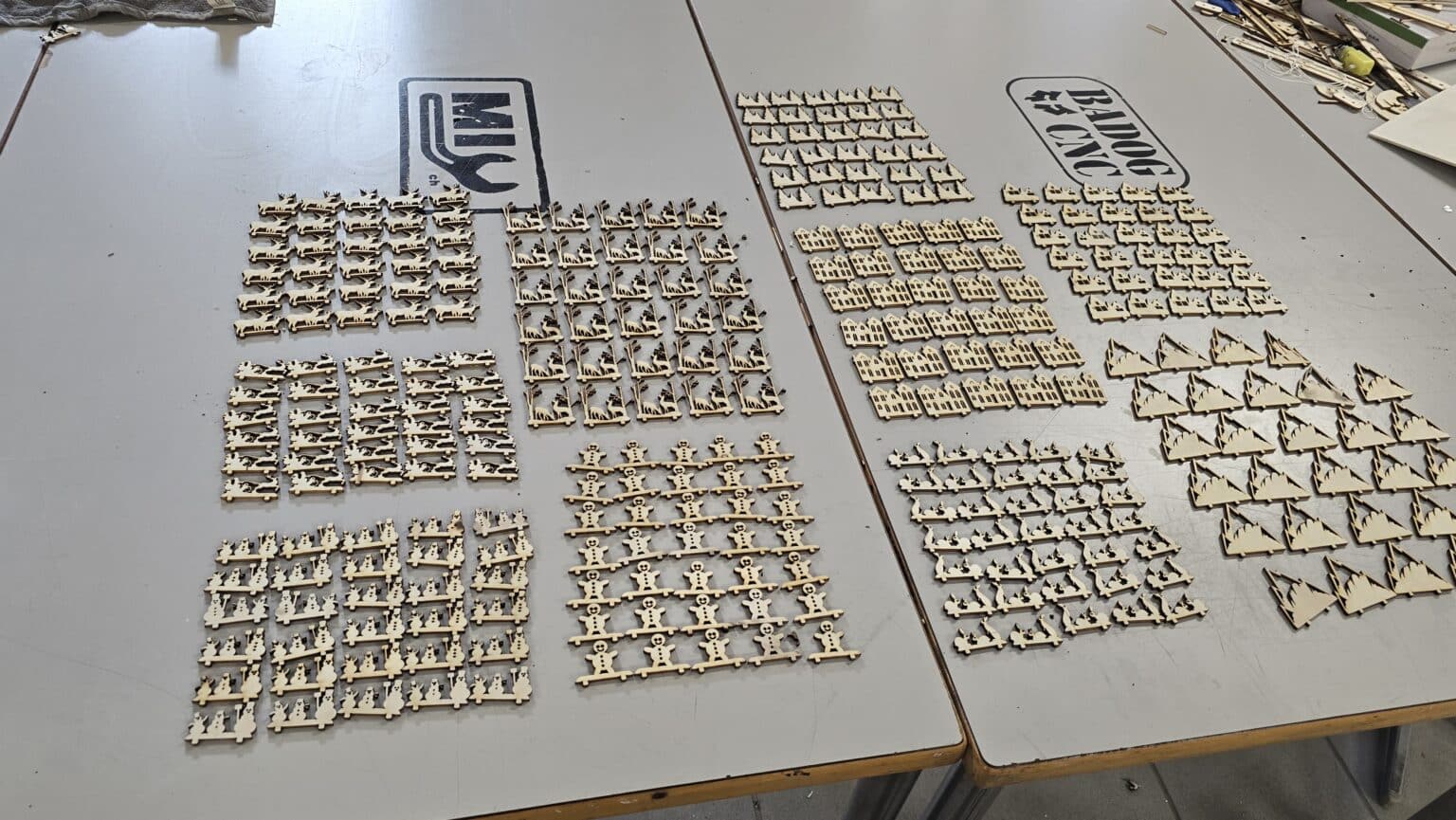
Make wooden gears
Producing small batches of parts is no longer a chore, but an opportunity to take some time for yourself while the machine does the work for you. The laser cutter saves a considerable amount of time.
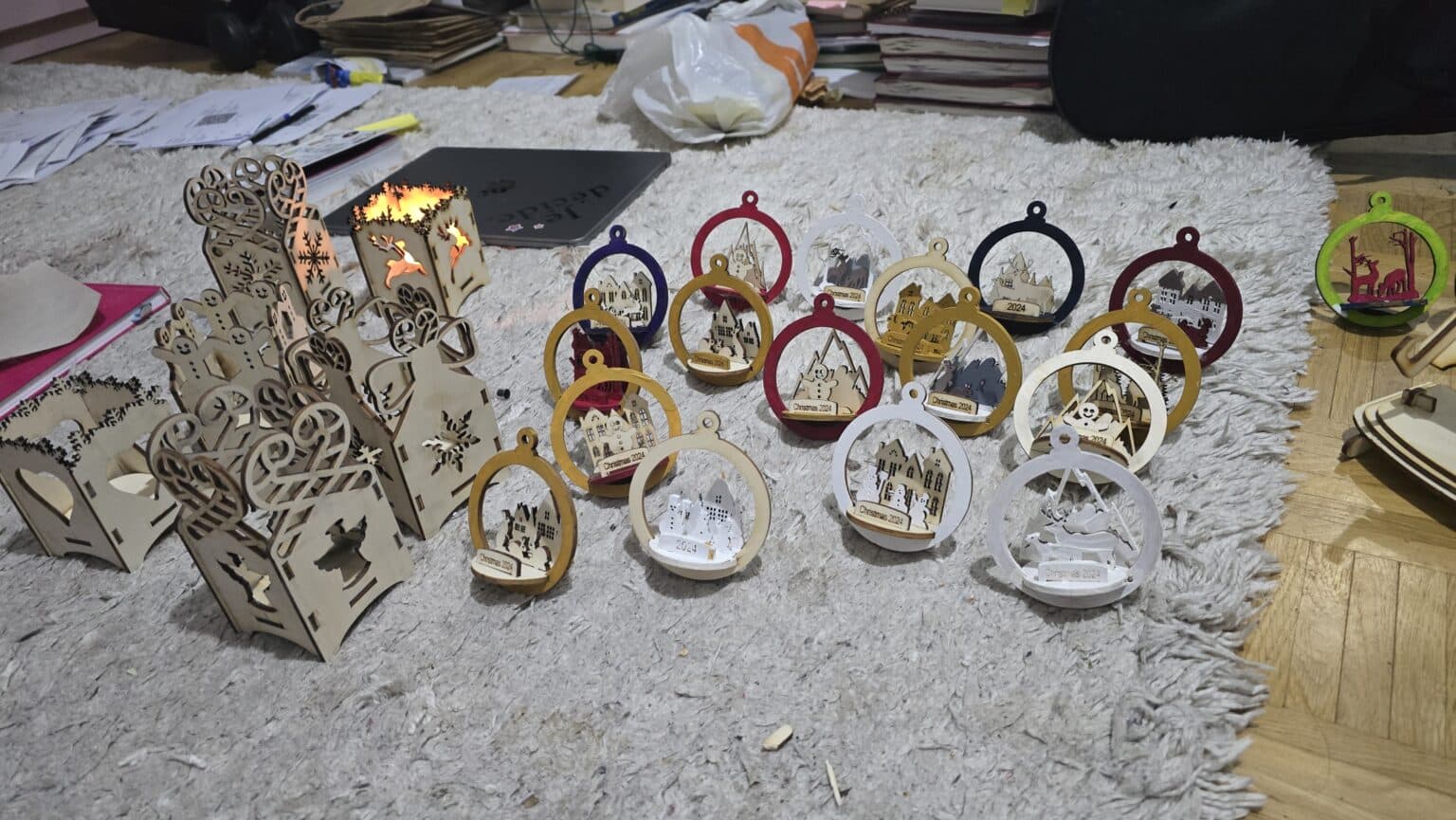
Create your own festive decorations
You will never again need to go on a hunt for gifts. Imagine being able to create a custom gift, fully personalised and perfectly suited to the needs of a loved one. Take this training, and it could become a reality.