3D Printer workshop
3D Printer Space
open to the public in Fribourg
Model, print and prototype on site, no reservation needed, with classes for all levels.



Model, print and prototype on site, no reservation needed, with classes for all levels.
Imagine having your own workshop, located 300 meters from the central station. A space equipped with 8 CNC milling machines, sturdy conventional milling machines, 3 3D printers, a 1700 mm (300 W) laser cutter, a 50-ton press, a MIG welding station and a complete set of tools. No need to imagine any longer: MiY MakerSpace is the workshop you’ve dreamed of, and it is open to the general public.
Why come to MIY MakerSpace?
A space to learn, test and make your plastic parts, whether you are curious, a hobbyist or a professional.
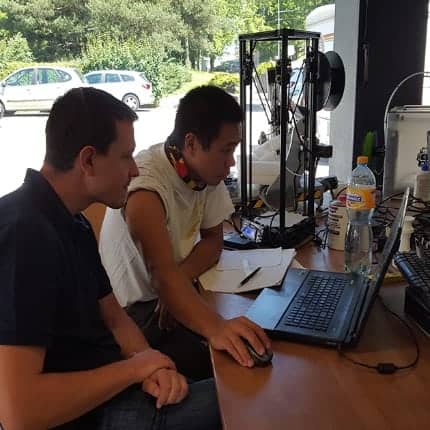
The three main machines in the 40 m² room can be used on site without booking. Drop in, settle in, print.
Do you have a file or just an idea? We help you develop the model, then print it.
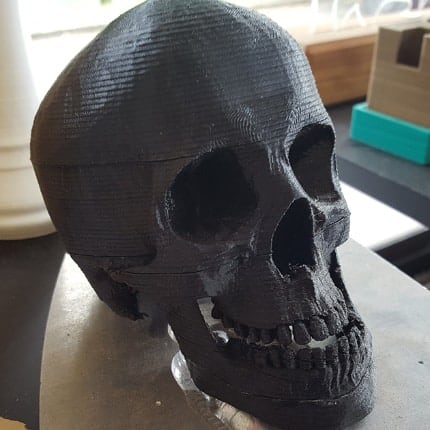
Test a shape, adjust it, start again: 3D printing is made for plastic parts from the very first try.
From first contact to professional use, with private classes or in small groups.
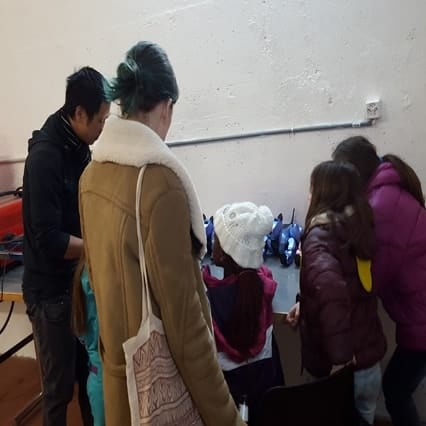
Children, adults or families: the space also hosts activities and entertainment for parties.
Draw your projects or art objects with a special 3D pen: the simplest of first steps.
The equipment
3D printers, 3D pens and a station to prepare your files.
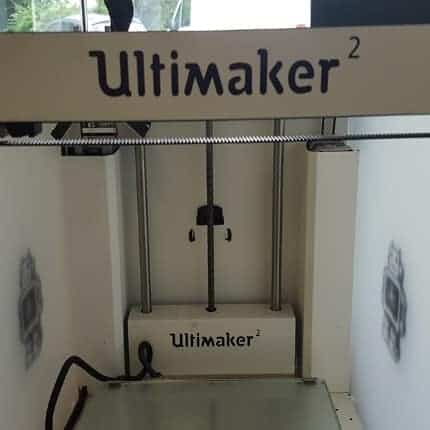
1 machine
An Ultimaker printer completes the fleet, alongside the two Micro Make machines.
Usable on site, without reservation [TO VERIFY: the 3 machines without reservation = 2 Micro Make + 1 Ultimaker?]
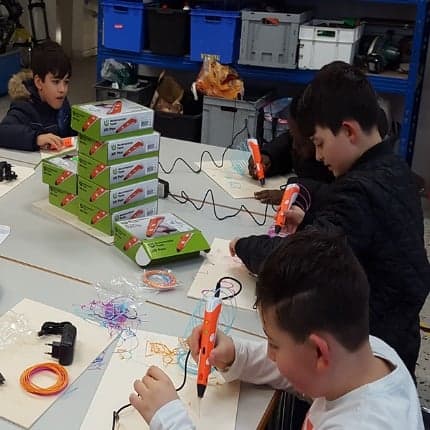
18 3D pens
With a special pen, you draw your projects or art objects directly in space. A great way to get started, alone or in a group.
and space
Training
Private class, or in a group of 2 to 3 people maximum. From beginner to professional level.
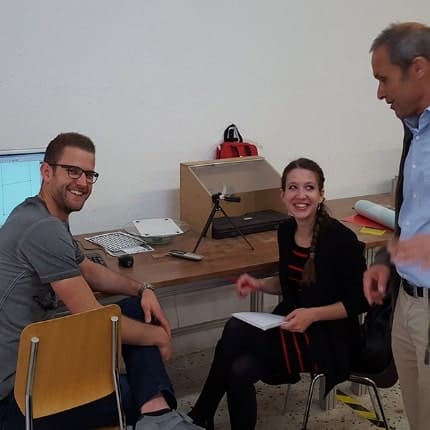
Discover the machines in the room and launch your first prints.
Learn to draw your parts, or to develop a model from a file or an idea.
A summer camp built around 3D printing. [TO COMPLETE: dates, ages, price]
And also
Would you like to celebrate a birthday or organize a family outing around 3D printing? Tell us about your group.
Prices and dates: classes page and pricing page.
How it works
Whatever the machine, the principle is the same: build an object by adding material, slice after slice.
Create your model in CAD software, or scan an existing object with a 3D scanner.
Export the model in STL or OBJ format, then check that it contains no holes or unconnected surfaces. Netfabb and Meshmixer help spot and fix these errors. The software then slices the model into layers.
The printer follows the sliced file and deposits the material layer by layer, until the final object is complete.
Depending on the machine, the technique varies: material deposition (FDM), the most common for personal use, but also stereolithography, selective laser sintering, PolyJet or DLP. Ask us, we’ll explain the differences.
Services
Use the room’s 3D printers. Prices: see prices .
Entrust us with your plastic parts or small series.
Tailored support to launch your project or choose your method.
Children, adults or families: a creative moment to share.
FAQ
Not for the three main machines in the room, which can be used on site without a reservation. Opening hours: 9 am to 6 pm Tue–Fri, 10 am to 4 pm Saturday.
Yes. We help you develop a model from a file or a simple idea, and modeling classes are offered.
The private class is one-on-one; in a group, expect 2 to 3 people maximum.
Yes, the space offers activities and entertainment for parties, for children, adults or families. Contact us to discuss it.
Plastic parts, especially for prototyping. Material deposition machines (FDM) melt a filament layer by layer; other techniques exist, such as stereolithography or laser sintering.
Rental and class prices are detailed on the pricing page.
Other spaces
Each space has its own machines, classes and atmosphere. Move from one to another depending on your project.